Everyday life
The kids, the pets, dinner together, a project, a visit. No need to wait for a holiday or a perfectly posed picture.

McCormick Family Pictures
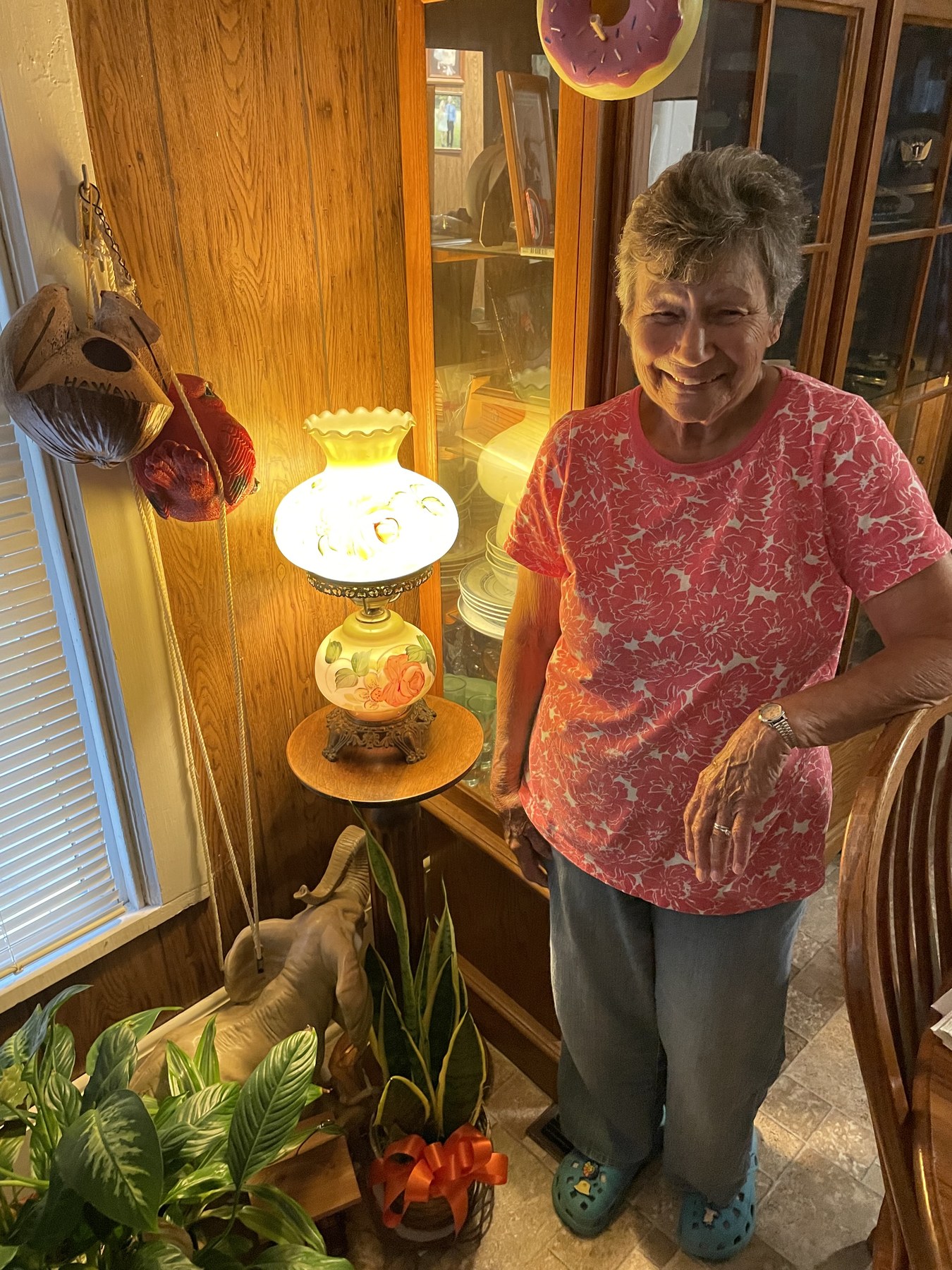
Send in the everyday snapshots, old favorites, and family photos you'd like Grandma to see on her TV.
Attach your photos and choose Actual Size or Original Quality when asked.
Open your email app, attach a few pictures, and send them to the address above.
The slideshow computer collects new photos and checks their format and quality before adding them to the rotation.
The photos appear on her TV alongside the rest of the collection. She doesn't need to open an app or press a button.
What should I send?
A few pictures from your day are welcome. Older photos are just as good.
The kids, the pets, dinner together, a project, a visit. No need to wait for a holiday or a perfectly posed picture.
Old family photos, holidays, reunions, and favorite trips. Scanned prints are welcome, too.
Attach the original file rather than a screenshot or a small preview. It will hold up better on a TV.
Keep it family-friendly. Only send photos you're comfortable having displayed in Grandma's room.
The story behind McPics
McCormick Family Pictures was created with love for Grandma.
Grandma has always been such an important part of my life, and this project was built from a place of love and gratitude. The idea is simple: to give family an easy way to share everyday moments, old memories, and familiar faces with her.
Photos sent here can show up right on her TV, bringing a little more connection, comfort, and joy into her room throughout the day.
It is a small project, but it means a lot — a way to share with Grandma the people, memories, and everyday moments that make our family special.
Project updates
What's changed on the website and on Grandma's slideshow.
The refreshed website makes the photo-sharing instructions and the story behind McPics easier to find.
The screen can now turn off on a schedule and return to the slideshow afterward. The computer stays on to collect new photos, without keeping the room bright overnight.
Changes to the photo rotation help keep a handful of pictures from repeating too often.
Two fixes help keep track of everyone's photos:
McPics can now send automatic replies when that option is enabled:
This round of changes focused on watching the slideshow:
New desktop shortcuts open the slideshow, settings, Family Update preview, and status checks. They make it quicker to check imports and the photo library, or reopen the slideshow without waiting through its normal startup delay.
McPics now recognizes exact duplicate photos from the same sender and can preserve credit when different people send the same picture. If the email service reaches a limit, importing stops cleanly and can try again later.
The slideshow gained a Family Update screen showing recent photo activity.
McPics began recording which photos had appeared and how often, then using that history to choose the next picture. A local settings page made it possible to check and adjust the slideshow from the computer.
The first version of McPics brought a local photo slideshow to Grandma's TV. It read pictures from the computer and displayed them fullscreen in a browser.
A database kept track of photos and senders, folders organized the imports, and basic logs and health checks made remote support possible.